Bulk sign-off
Group devices, check the exact frozen list, and sign up to 1,000 decisions with one authenticator code. Risky devices are never proposed.
Decide · Signed decisions
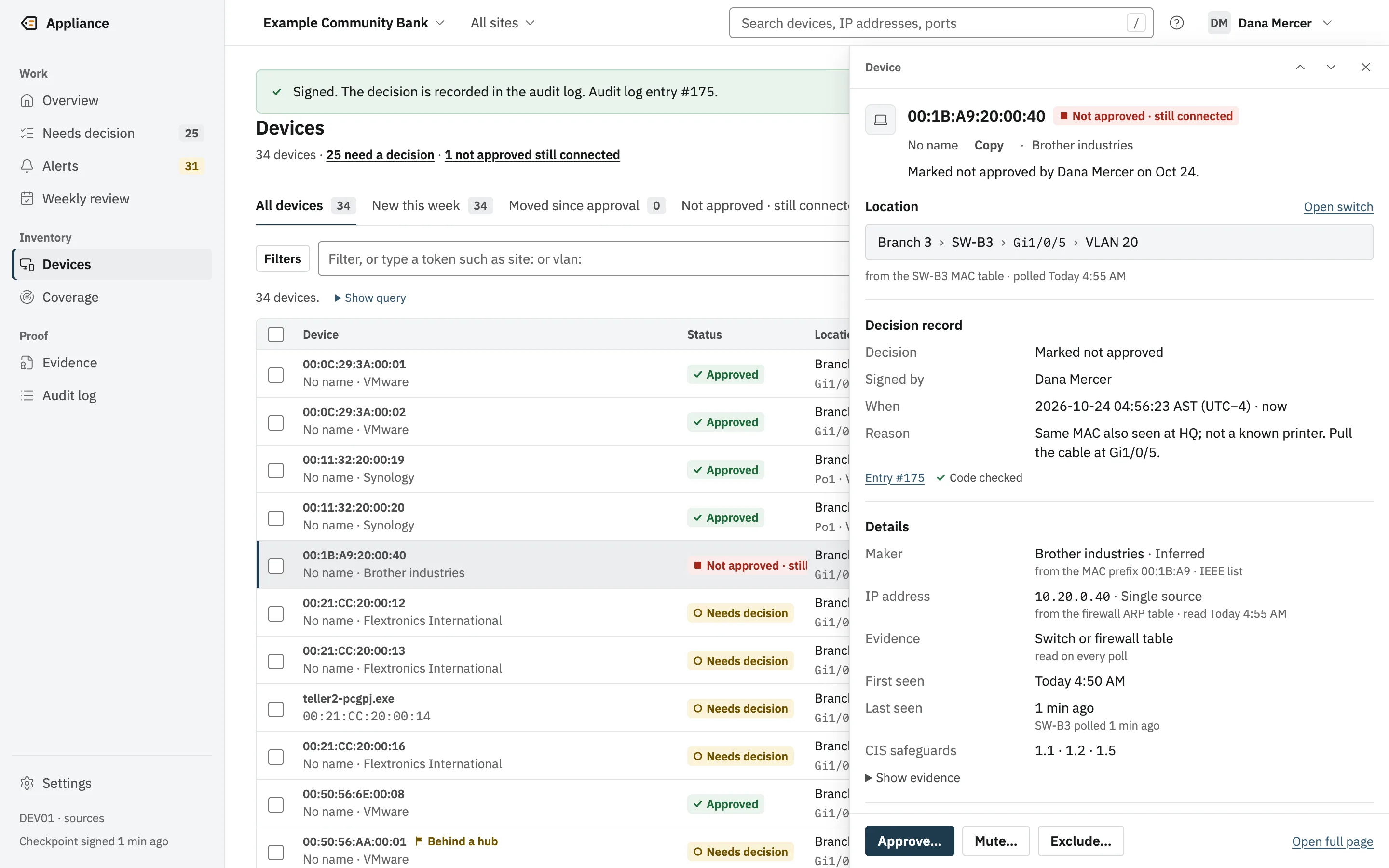
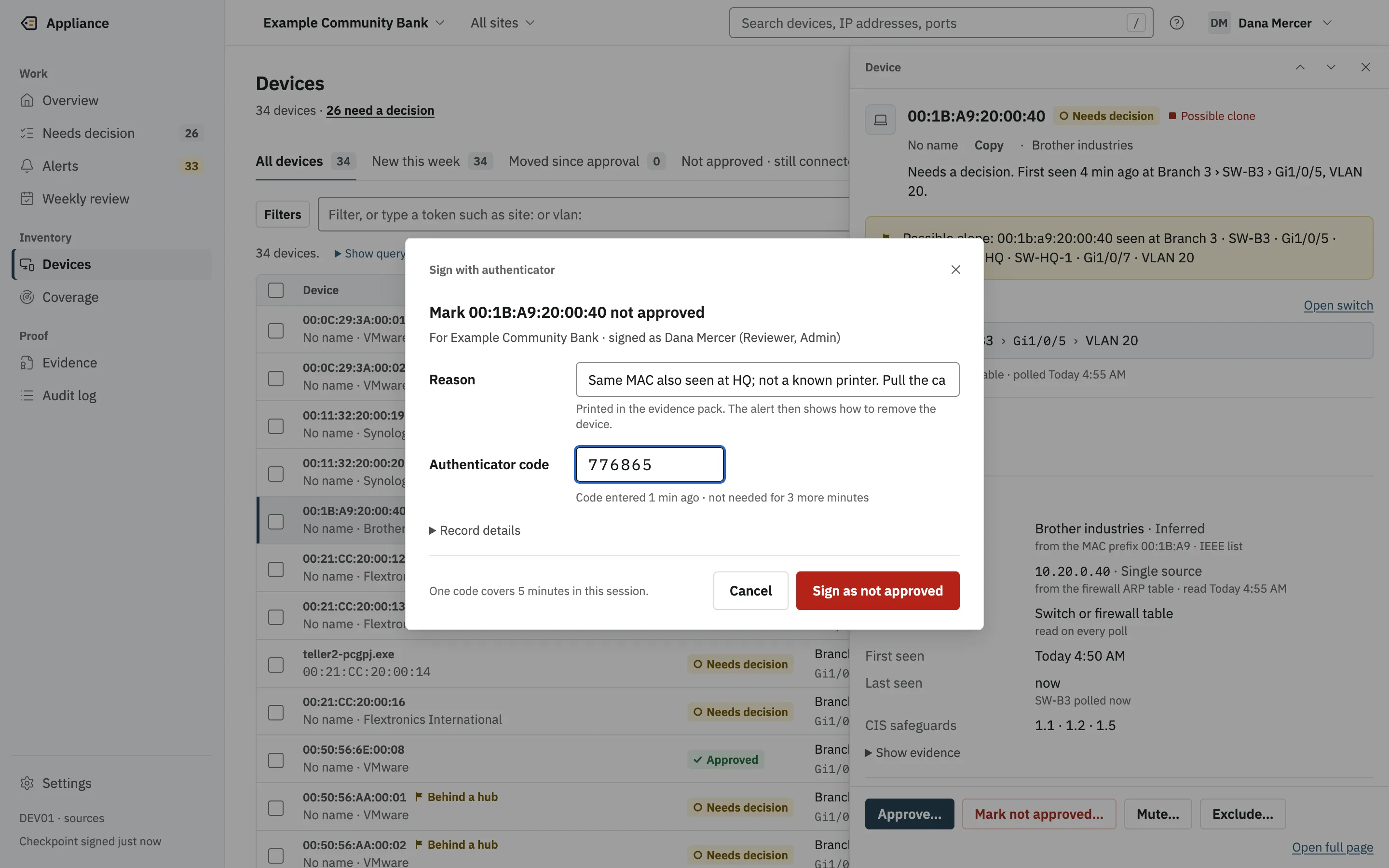
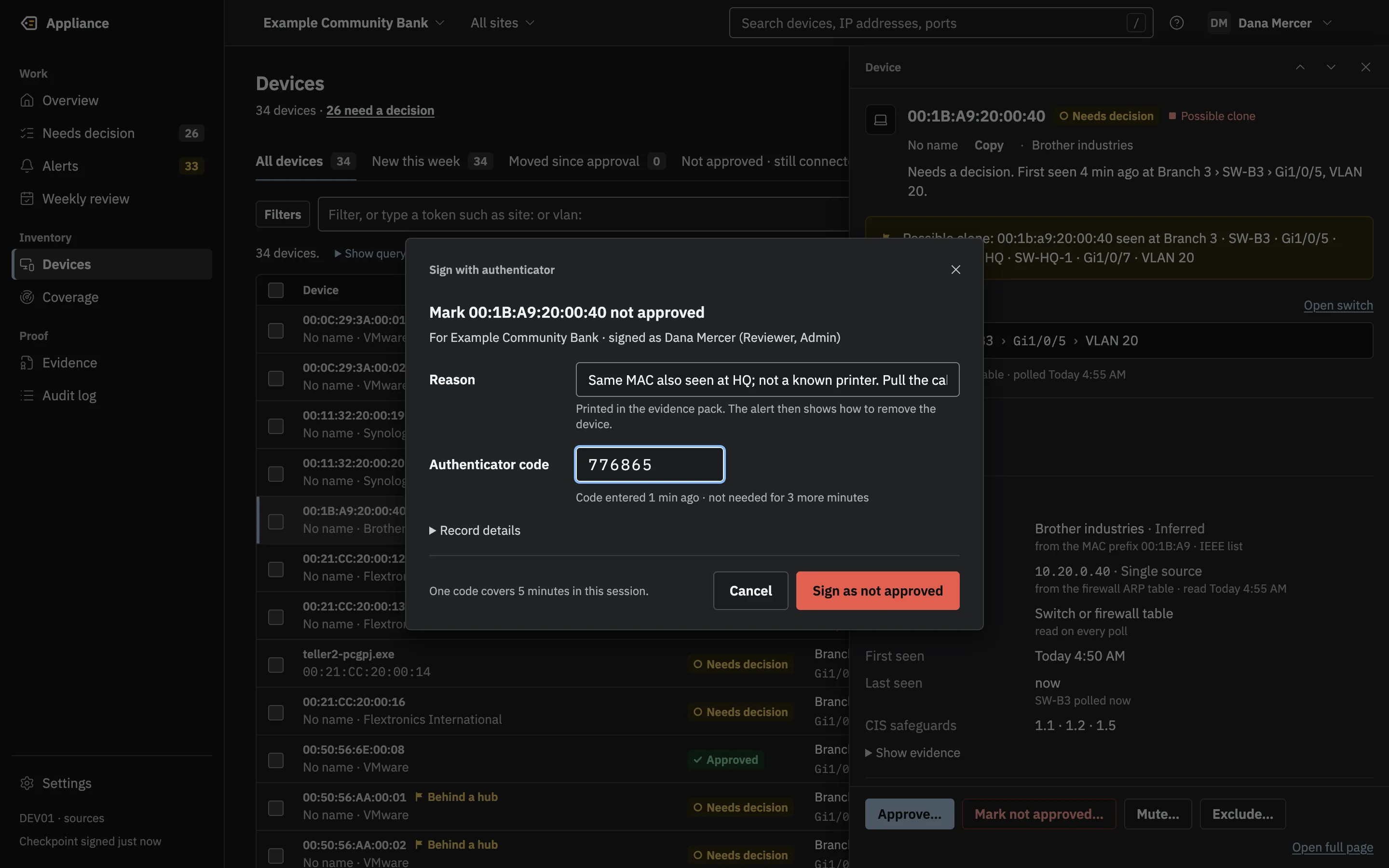
Approving a device, or marking it not approved, is a decision signed with your name and an authenticator code, and bound to exactly what you saw.
“Who approved this, when, and based on what?” is hard to answer from ticket notes.
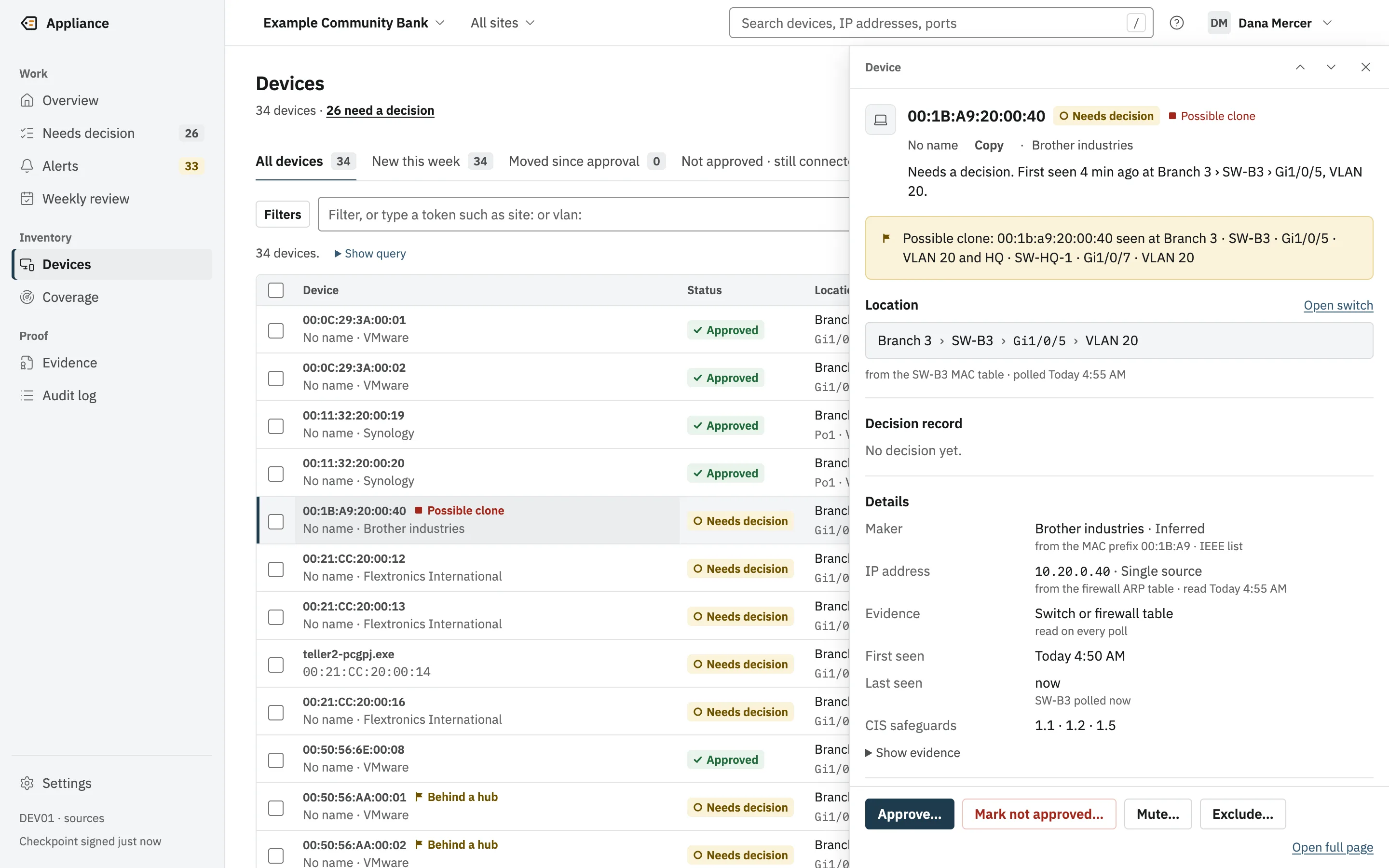
And a decision made on information that changed while you were looking at it should not count.
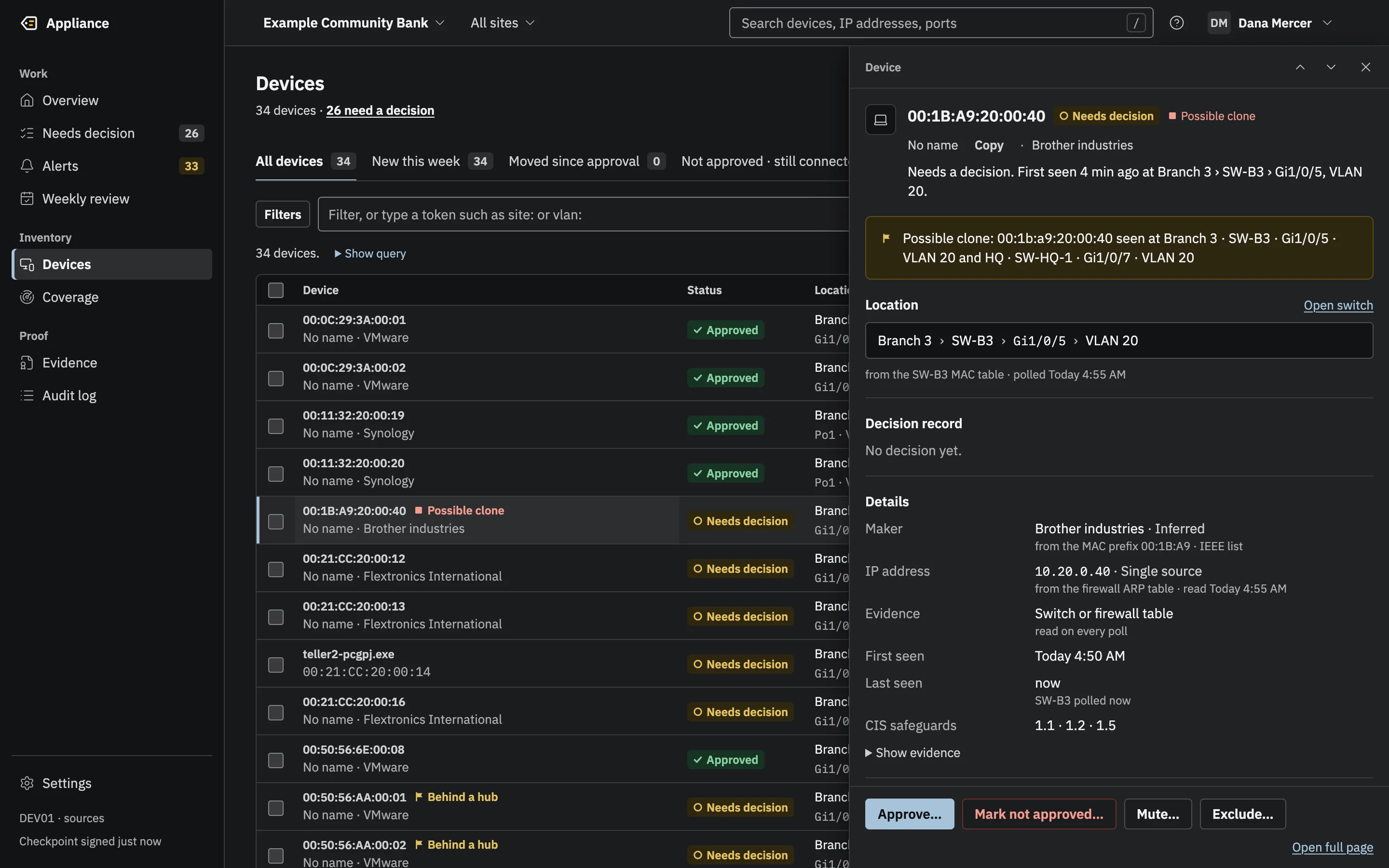
Open any device in a side drawer: where it is plugged in, where each fact came from, and its decision record. Approve it, mark it not approved, or mute its alerts.
After signing, the drawer shows who decided, when, the reason, the log entry number, and that the code was checked.
Shown in the new interface, which is in development.
Each decision is its own entry in the hash-chained log, proved in the Merkle tree. exceptions.csv in every pack lists not-approved and excluded devices with who decided, when and why, and a content hash ties each decision to the exact state the person saw.
Entries this feature writes to the tamper-evident audit log. Each one is in the evidence packs that cover its date.
What it does not do yet, stated plainly. The technical page lists every known gap.
Early access: now taking pilot customers.
A live demo with the engineers who built it. We bring a simulated network; you bring your questions.