Getting started

From download to your first decisions.

Run it, scan to see what is on your network, add your switches with a read-only login, and approve what you recognize, in groups. Setup walks you through each step and remembers where you were.

  1. Step 1: Run it

    On a server, a virtual machine, a mini PC or a laptop you already have. There is nothing else to install.

  2. Step 2: Scan

    One click lists the devices on your local network, with maker and name, before you set anything else up.

  3. Step 3: Add your switches

    Give it a read-only login for each managed switch and firewall. A live test tells you exactly what to fix.

  4. Step 4: Decide

    Alerts start with the first read, so every device already there needs a decision. Approve the routine ones in groups first; after that, alerts are about what changed.

Day to day

A short weekly check, not another job.

Alerts in plain English.

A new device, a device that moved, one address in two places, a small switch someone plugged in under a desk. Each alert says where the device is plugged in and why it matters, and can go to email, Teams or Slack. Your IT provider adds alert destinations through the API today; the setup screen is in development.

The appliance never changes your network. When a port should be switched off, it prints the command for you or your IT provider to run.
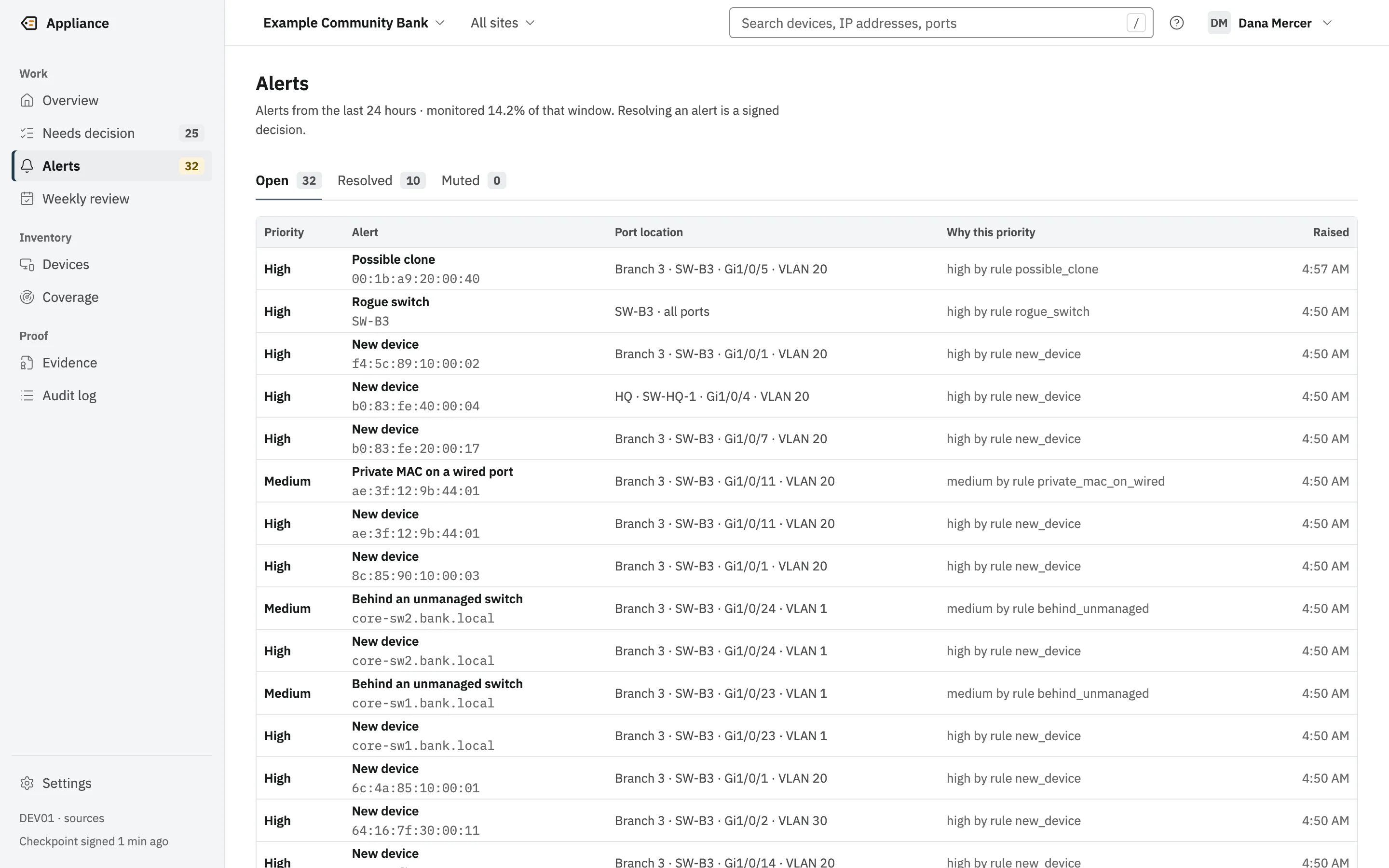
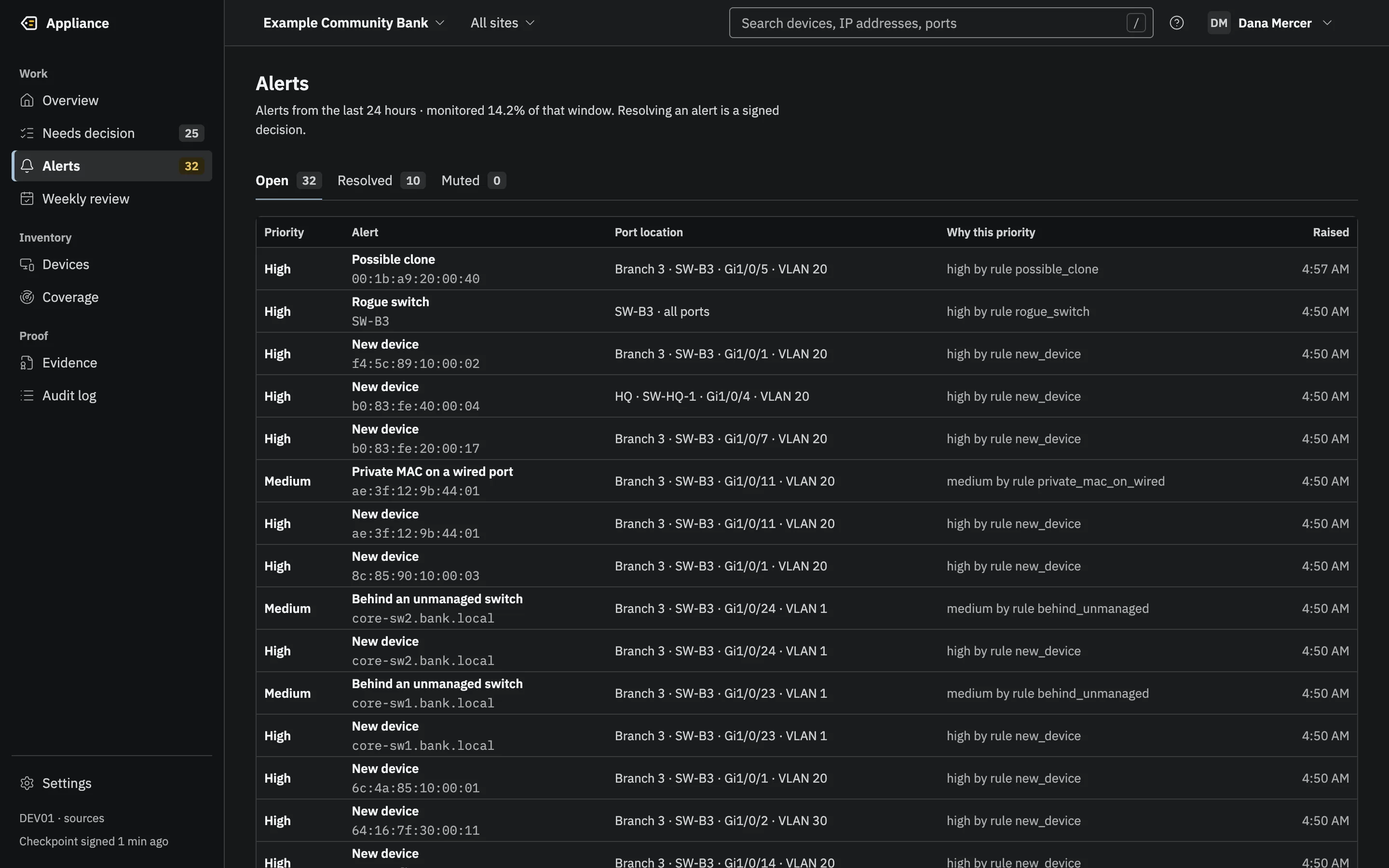
The open Alerts list with priority, alert type, port location, the rule that set the priority, and when it was raised.(opens the full-size image)The open Alerts list with priority, alert type, port location, the rule that set the priority, and when it was raised.(opens the full-size image)
Each alert says which rule set its priority.

Once a week, decide what changed.

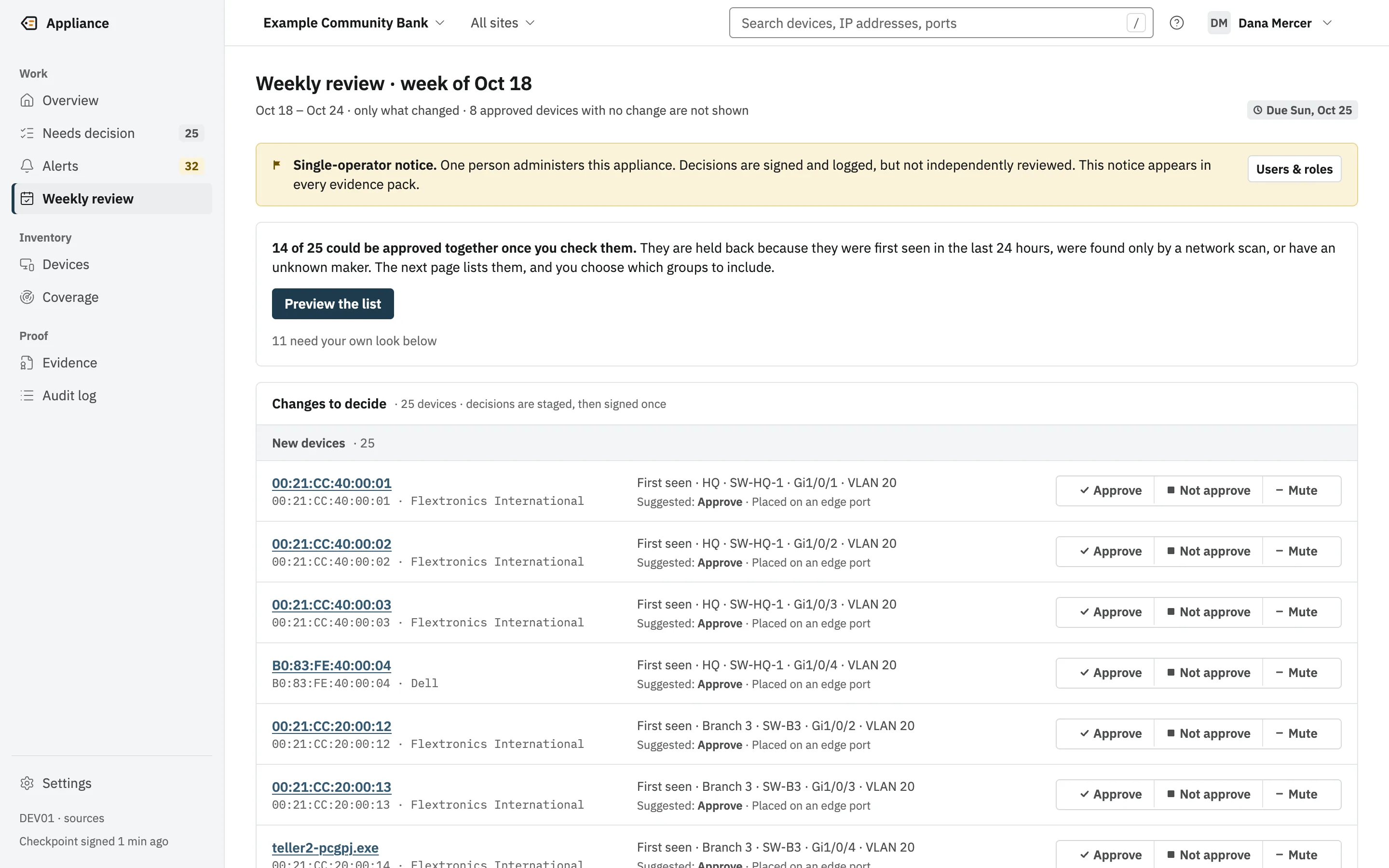
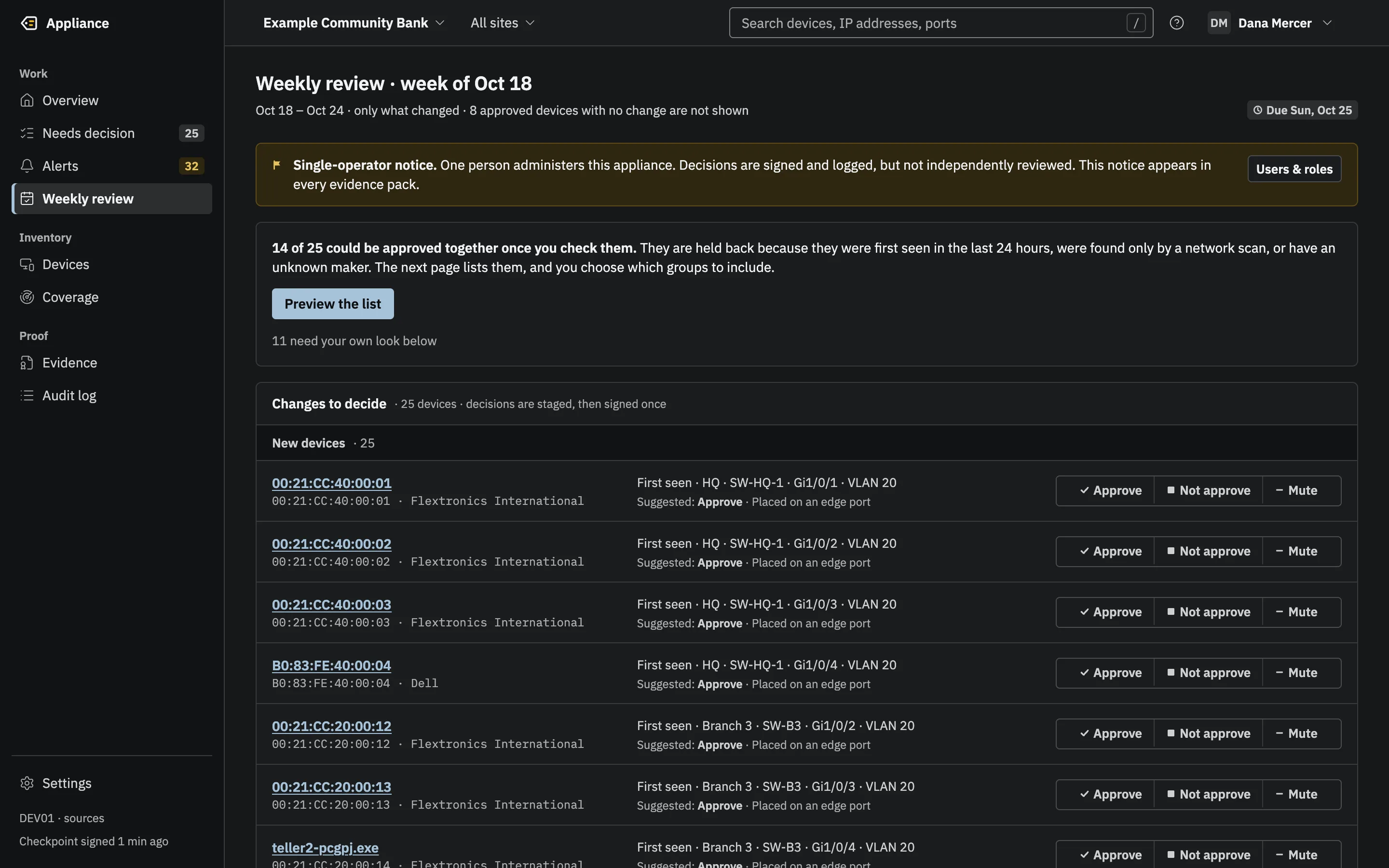
The weekly review shows only the devices that changed, each with a suggested decision and the reason for it. Choose, enter the code from your authenticator app, and the week is signed.

If the appliance was off for part of the week, it tells you. It never pretends a day it could not see was clean.

The weekly review: a single-operator notice, a note that 14 of 25 devices could be approved together, and each change with a suggested decision and its reason.(opens the full-size image)The weekly review: a single-operator notice, a note that 14 of 25 devices could be approved together, and each change with a suggested decision and its reason.(opens the full-size image)
The weekly review shows only what changed, with a suggested decision and the reason for it.

Know if something is plugged in after you close.

Set your opening hours and holidays. Anything connected while you are closed raises a High alert, dated by the switch’s own clock. Arm the spare jacks in a lobby or meeting room, and any link on them is an alert too. The screens for this are in development; today an IT provider sets it up through the appliance’s API.

Check the day’s status from your phone.

The Overview on a phone: the checklist, Needs attention and coverage at 14.2% of the last seven days.The Overview on a phone: the checklist, Needs attention and coverage at 14.2% of the last seven days.
New interface, in development
The Alerts list on a phone.The Alerts list on a phone.
New interface, in development

What you need

What it needs, honestly.

  • A computer on the network to run it. A Windows or Linux server, a virtual machine on VMware, Hyper-V or Proxmox, a mini PC or laptop, or something as small as a Raspberry Pi.
  • Managed switches or a firewall that answer SNMPv3, with a read-only user for the appliance.
  • An authenticator app on the phone of each person who signs in.
  • No agents on your computers, no database, and no account with us.

Does it work with my switches and firewalls?

It reads switches and firewalls over SNMPv3 using the standard MIBs most managed gear serves: BRIDGE-MIB and Q-BRIDGE-MIB for MAC tables, IP-MIB for ARP, and LLDP and Cisco CDP for neighbors. It is tested against a simulator; real-gear verification is under way. Send us your switch and firewall models and we will tell you what we know.

Without managed switches

The one-click scan still lists what is on your local network, with maker and name. But a scan is a snapshot: it cannot say which port a device is on, and it does not count as continuous monitoring. The appliance labels scan results that way everywhere, so you always know which is which.

What owners ask us first.

Cost

It runs on hardware you already have, with no database, no agents and no subscription to a cloud service. Prices are not on this site yet; ask us, and we will answer in writing.

Safety

It reads your switches and never changes them. It never blocks anything, never talks to us and never sends your data to an AI service.

If you have an IT provider

Good. They can receive the alerts too, in their ticketing system or by email.

Who we are

Engineers with more than 20 years each in the field, who built the tool we wanted. Early access is open now. More about us

Also for

  • Banks and credit unions

    Exam evidence for device inventory, ready any day.

    • Signed weekly reviews
    • Evidence packs verified offline
    • A signed quarterly board report
  • MSPs

    One appliance per client, wired into the tools you already run.

    • Tickets in ConnectWise, Autotask, HaloPSA or ServiceNow
    • The evidence log in your SIEM
    • Exit codes for your RMM

Early access: now taking pilot customers.

See it on a network like yours.

A live demo on a simulated office network, with the engineers who built it. Bring a list of your switches if you have one.