For examiners and auditors
You don’t have to check anything. You can if you want to.
An evidence pack is a signed ZIP file of spreadsheets and a log. You can open and read it with nothing from us. If you want proof that nothing in it changed, you can check it offline, on your own computer, without trusting the institution or us.
What an evidence pack is
The institution exports one from the Evidence page for any date range, usually the exam period. The file name carries the appliance’s serial, the dates and a fingerprint.
- inventory.csv
- Every device: MAC address, status, maker, host name, IP address, site, switch, port, VLAN, first and last seen, and what saw it (a switch, or only a network scan).
- exceptions.csv
- Devices refused or excluded as of the export, decided before the period ended, with the reason, who decided and when.
- coverage.csv
- Every switch and firewall, every day: covered, degraded or not monitored, with the number of polls.
- reviews.json
- The weekly reviews signed in the period.
- entries/
- The signed log for the period, one entry per line: every decision with who made it, when and why, every sign-in and every change.
- manifest, checkpoint, keys, proofs
- What the checks use: the signed list of files and their SHA-256 hashes, the signed log head, the public keys and the proofs.
The spreadsheet files open in Excel or any text editor. Cells that a spreadsheet would read as a formula start with an apostrophe, so a spreadsheet shows them as text.
Reading needs nothing
You do not have to run anything to read a pack. Unzip it and open the files. Checking is a separate, optional step, for when you want proof that what you are reading is what the appliance signed.
What you do today
Step 1: File the key sheet
At the start of the exam, the institution gives you its key registration sheet, on paper or by a channel separate from the pack.
Step 2: Receive the pack
One ZIP file for the exam period, exactly as the institution downloaded it.
Step 3: Read it
Open the spreadsheets and the log in any spreadsheet or text editor. No software from us is needed to read them.
Step 4: Check it, if you want to
Run the verifier on your own computer, or follow the published by-hand steps.
Checking a pack, if you want to
Two ways, both offline, both trusting only the key ID on the registration sheet.
The verifier
The verify mode of the same program the institution runs, on your own Windows, macOS or Linux computer. It needs no network and no account, changes nothing and sends nothing. It runs seven checks and ends with one verdict: PASS, or the name of what failed.
appliance verify -trust <key ID from the sheet> pack.zipGive an earlier pack you verified with -prev, or a checkpoint the institution keeps in its SIEM with -anchor, and it also proves no earlier entry was changed or removed. Each verdict has its own exit code, and -json prints the report for a script or a GRC tool.
By hand
The pack format and every check are published, so you can verify a pack with sha256sum, jq and OpenSSL and no software from us at all.
The key registration sheet
The institution prints it from Evidence › Verify. It shows the organization, the appliance serial, the evidence key ID, the checkpoint verifier key and the date printed. File it with the workpapers: it, not the pack, is what you trust. A pack signed by any other key fails.
appliance verify -trust cc911e1df79b8b7b97229eb8c163c1405b581680af2cb940386f74437c7aa524 pack.zipEVIDENCE PACK VERIFICATIONResult: PASSVerified at: 2026-10-24T09:05:24ZPack fingerprint: 33f9acb1d1132b67e38b5bd0b2c35123f5b2032a84f8a034be6604fc338815f1Signer key ID: cc911e1df79b8b7b97229eb8c163c1405b581680af2cb940386f74437c7aa524Trusted via: trusted key IDAppliance: DEV01 (version dev)Build digest: 67440c787f3f4a937137e06b54d84cabb5c6ff019e4034733f90e2dd1fd31983Period: 2026-07-26T04:00:00Z to 2026-10-25T04:00:00ZLog: gigidlabs.com/appliance/DEV01, size 181Log root: WQHNjvnRAxCGVYqbAizpIt2v6mD60suPkcokNrjkf0M=Entries: 181 (seq 0 to 180, 2026-10-24T08:50:26Z to 2026-10-24T08:57:52Z)Decisions: 9Reviews: 0Exceptions: 1Devices: approved 8, needs_review 25, not_approved 1Coverage: 100.0% of source-days since install covered (covered 4)Assurance tier: software_protectedDetection proofs: coverageCrosswalk: CIS Controls v8.1 / NIST CSF 2.0 / 12 CFR 30 App. B, 364 App. B, 748 App. A (2026-10)FIPS 140-3 mode: offAnchored to: CHECKPOINTS NOT ANCHOREDSeparation: SINGLE-OPERATOR MODE (one person held Admin and Reviewer)History: NOT CHECKED against an independent checkpointChecks: 1. Signing key is trusted (registration sheet or previous pack) PASS key cc911e1df79b8b7b97229eb8c163c1405b581680af2cb940386f74437c7aa524, trusted via trusted key ID 2. Manifest signature (DSSE, Ed25519) is valid PASS Ed25519 signature over the manifest is valid 3. Every file matches its SHA-256 in the manifest PASS 18 files match their manifest digests 4. Checkpoint signature is valid and matches the manifest PASS checkpoint for gigidlabs.com/appliance/DEV01 at size 181 is signed by a trusted key 5. Every entry has a valid inclusion proof to the checkpoint PASS 181 entries (seq 0 to 180) and 9 cited entries are in the signed log 6. History is consistent with earlier checkpoints NOT_CHECKED NOT CHECKED: no independent checkpoint (previous pack, SIEM or email) was supplied; the pack's own consistency proofs from 1 earlier pack checkpoint(s) are valid 7. Recomputed totals match the manifest counts PASS entries, decisions, reviews, exceptions, devices and coverage all match[exit 0]What PASS means, and what it does not
PASS means
- The pack was signed by the key on the registration sheet, or by a key that key handed off to in a signed handoff.
- No file in it has changed since it was signed, and none is missing.
- Every log entry for the period is in the signed log, in order.
- Every total and every cited row agrees with the log entries.
PASS does not mean
- It does not say the decisions were right. It says who made each one, when and why, and that the record has not changed.
- It does not say every switch was watched all the time. The coverage file and the report say where it was not looking.
- It does not prove that history before the pack was left alone, unless you also give an earlier pack or a checkpoint held outside the appliance. The report says “History: NOT CHECKED” when you did not.
- It does not cover switches the appliance was never told to read.
- It is not a certification, and it does not make anyone compliant with a framework.
Read these lines too
They are disclosures, not failures. A pack can pass with any of them.
- Separation
- SINGLE-OPERATOR MODE when one person held both Admin and Reviewer, so decisions were not independently reviewed.
- Anchored to
- CHECKPOINTS NOT ANCHORED when no copy of the log head is held outside the appliance yet.
- Assurance tier
- How the signing key is protected: software_protected (a file on the appliance) today.
An Examiner sign-in, if the institution gives you one
If you want to look around the system itself, on the institution’s network.
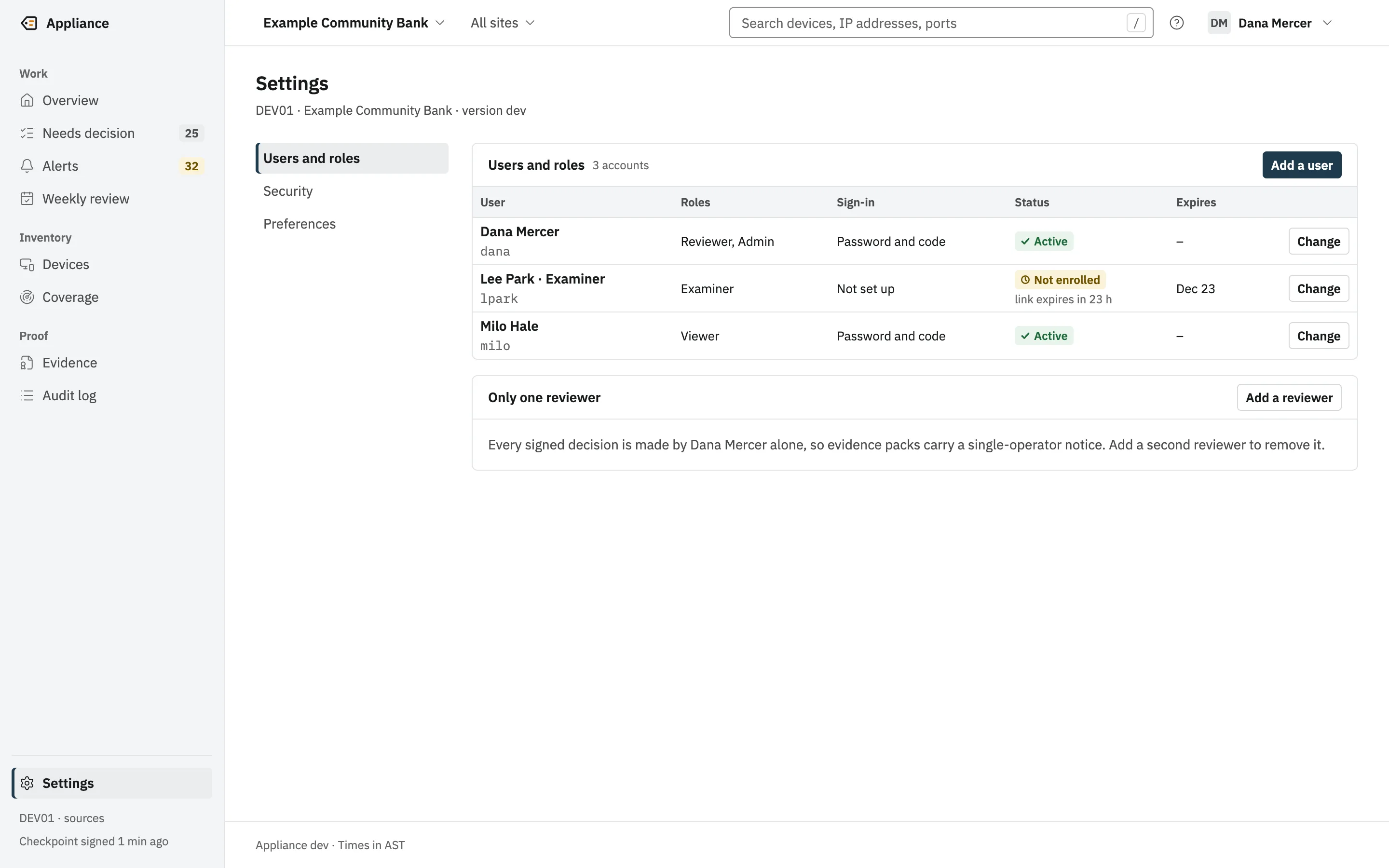
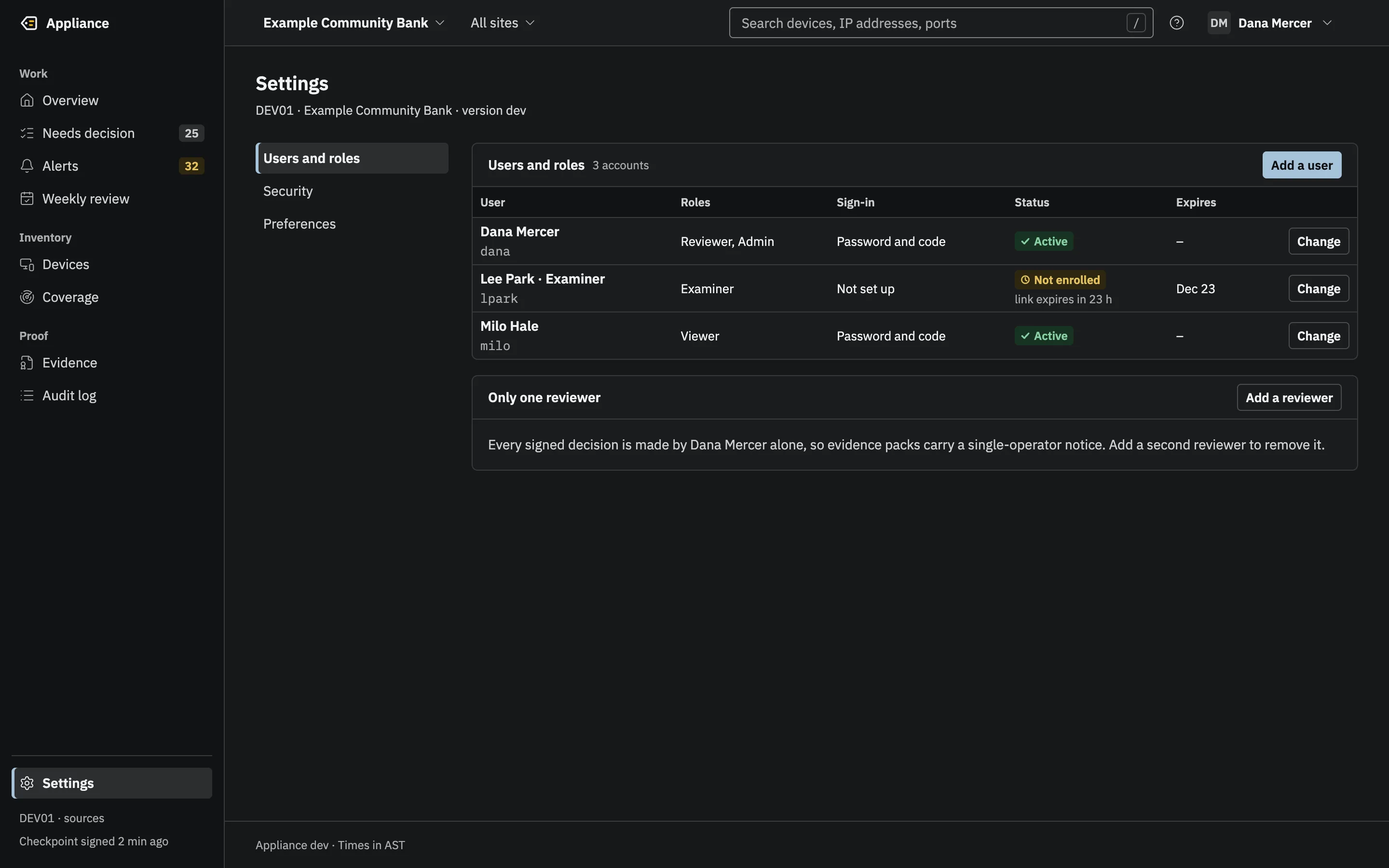
The Examiner role is read-only. It shows the same screens the institution’s team uses, plus the list of integrations and their delivery logs, so you see everything that leaves the appliance. It can export packs, Rewind answers, board reports and lists. It cannot approve a device, sign a review or change a setting.
An Examiner account cannot be created without an end date, and it stops working after that date. It signs in with a password and an authenticator code, like every account.
Coming soon
Making it easier still
Designed, not built. Not available today.
- Coming soon
A plain-English exam summary
The first page of each pack: what it covers and what it shows, in plain English.
- Coming soon
A verifier in the browser
Nothing to install, and the file stays on your laptop.
- Coming soon
“Unchanged since your last exam”
The check against an earlier pack, said in plain English.
Early access: now taking pilot customers.
See a pack checked, live.
In a demo, we can export a pack and verify it in front of you.